Start: 13 dicembre 2026

PROCEDURAL ENVIRONMENT IN HOUDINI
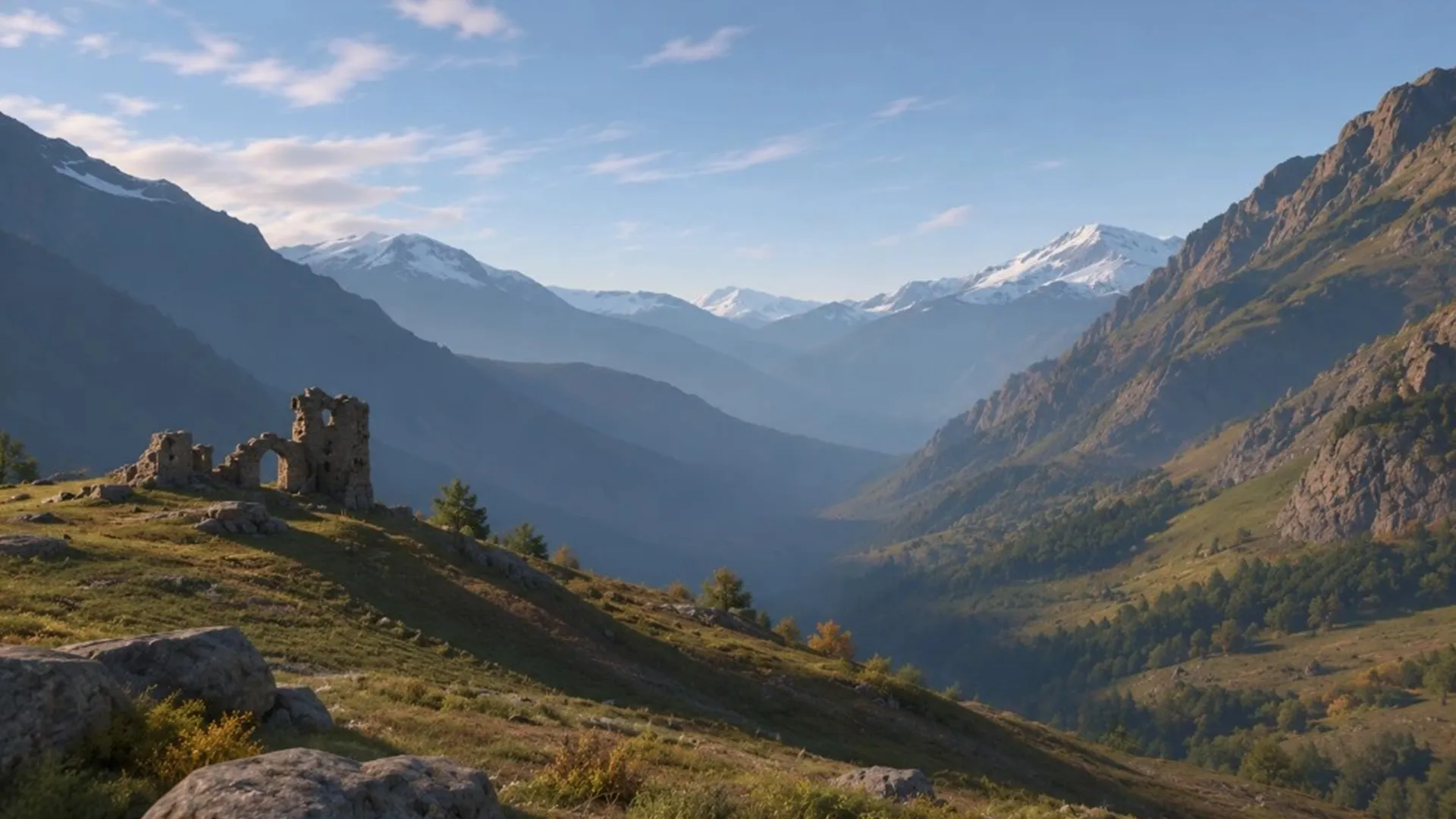
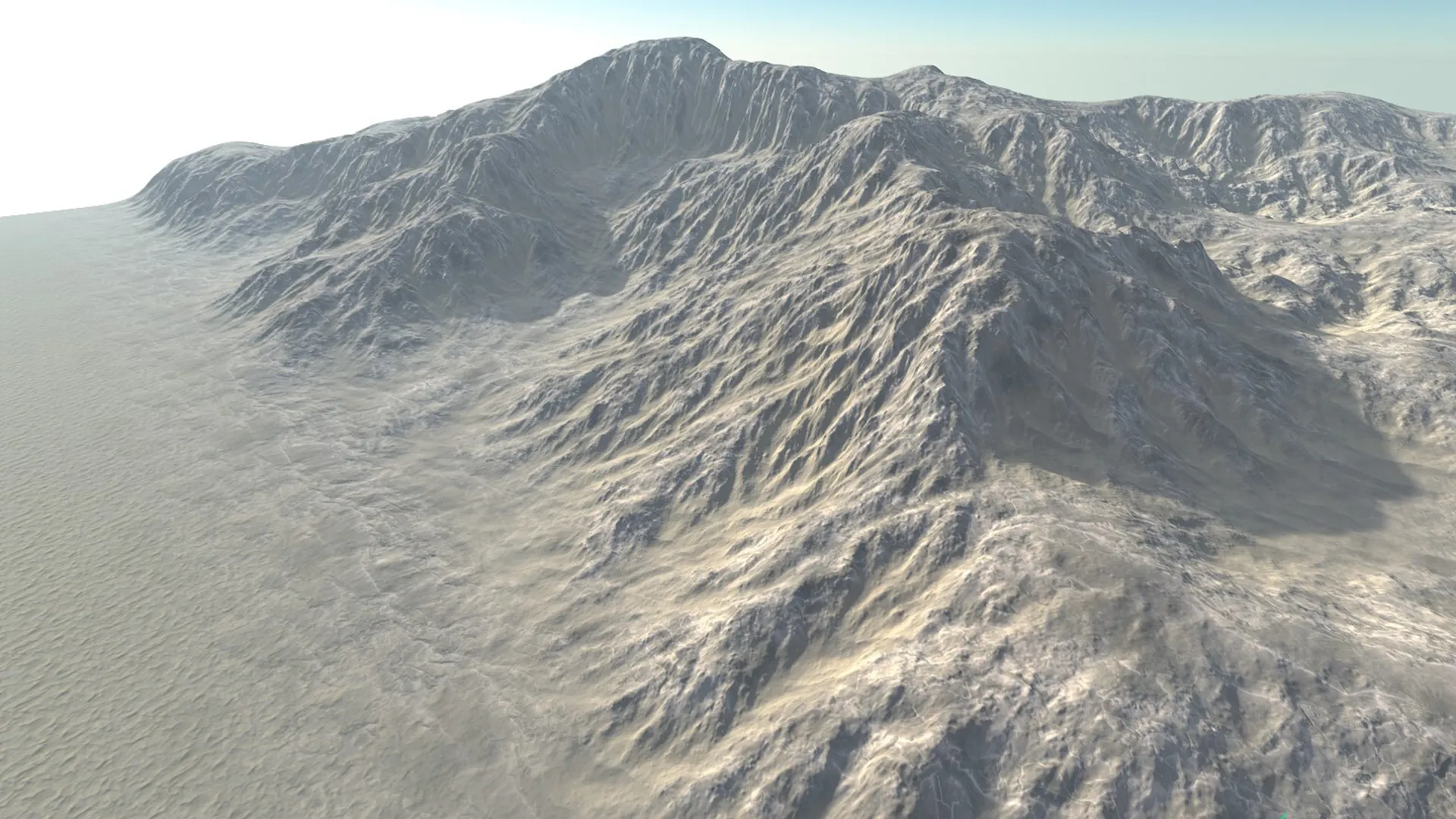
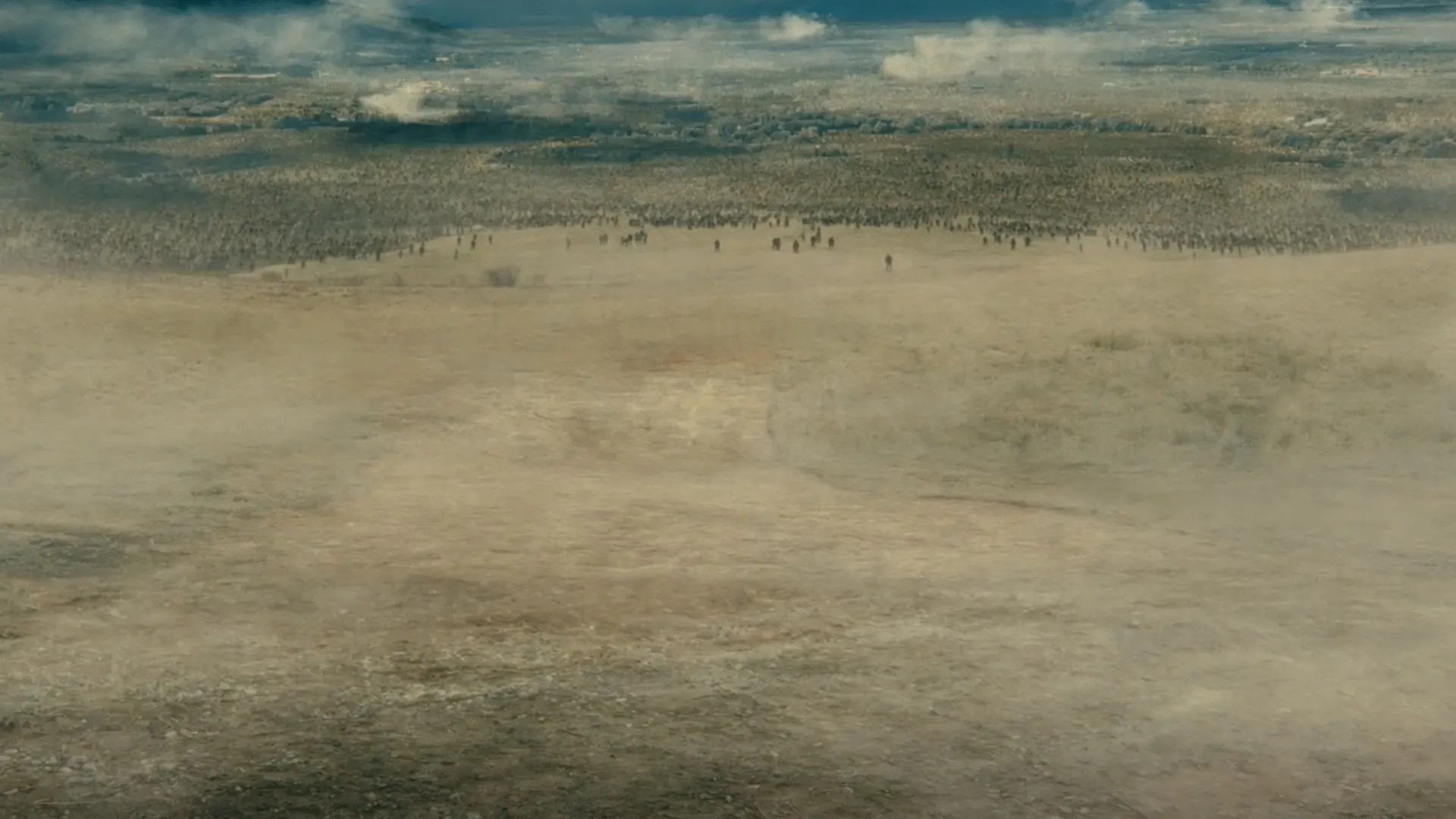
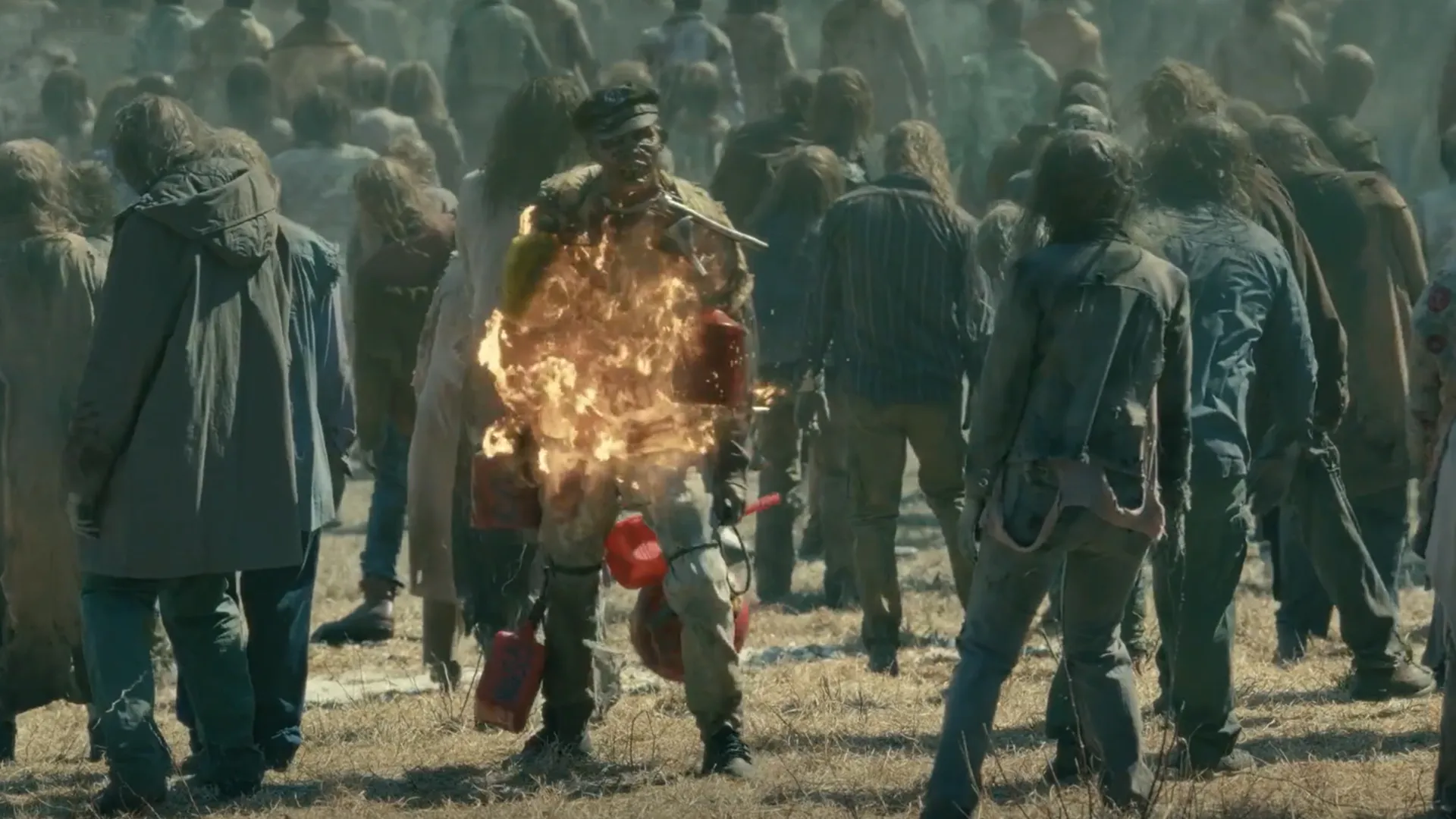
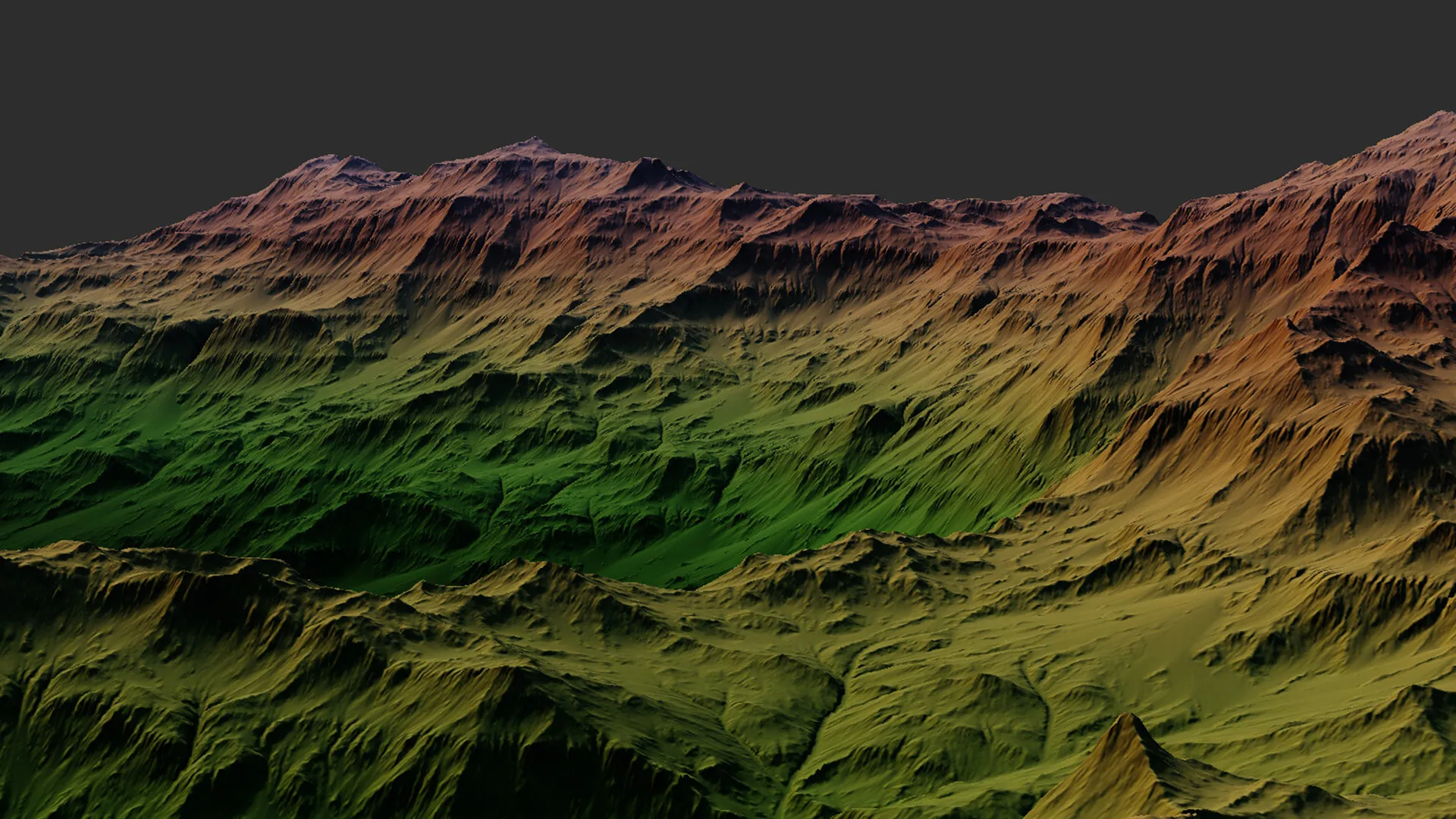
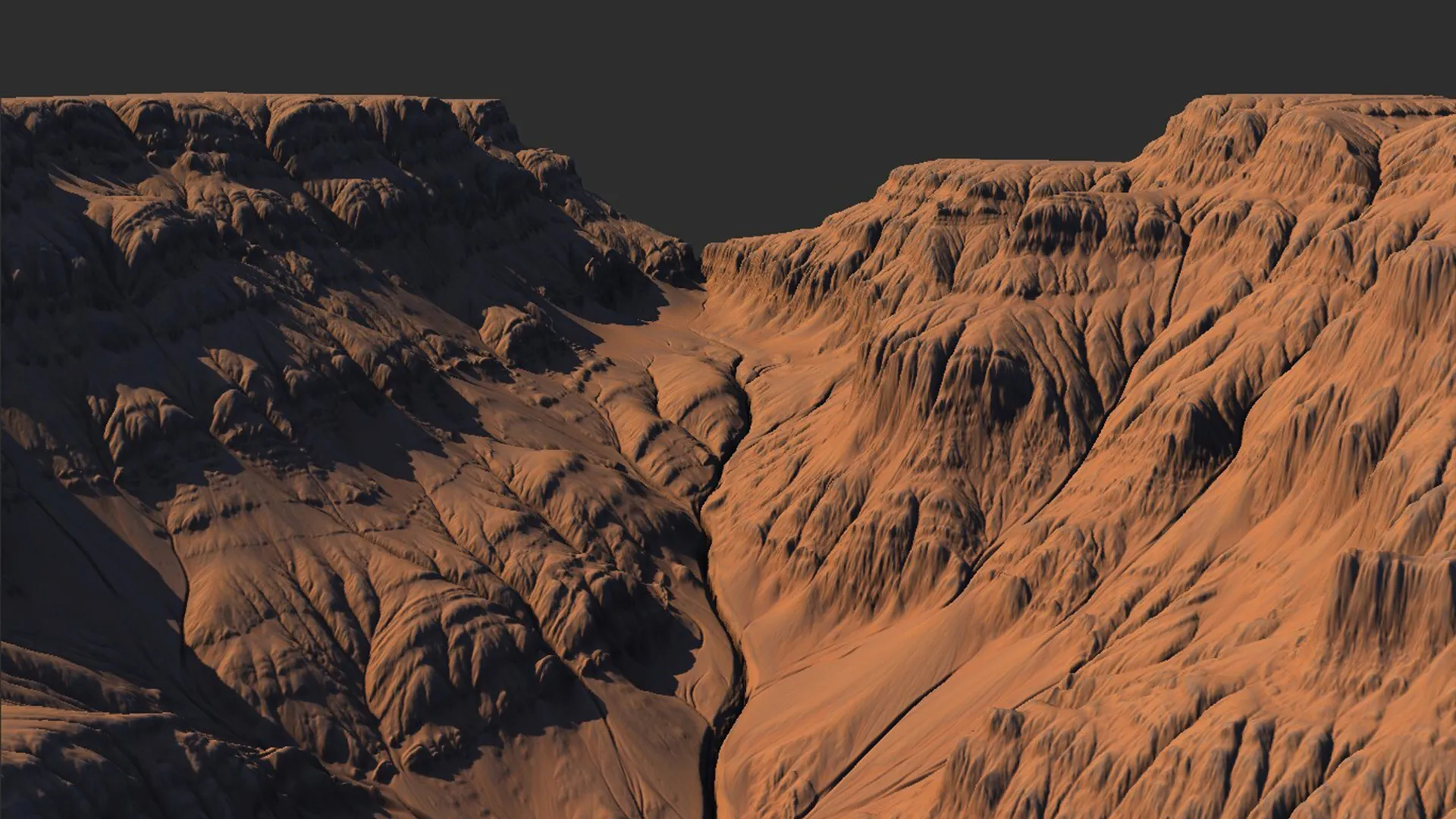
DISCOVER THE WORKFLOW BEHIND CINEMATIC ENVIRONMENTS
520 €
After completing your payment, you will receive an email within 24 hours with instructions on how to access your Discord classroom.
Have questions before enrolling?
Course description:
This intermediate-level course teaches students how to create realistic, art-directable natural environments using Houdini’s procedural workflow. Students learn to build terrain, vegetation, procedural assets, scattering systems, materials, lighting, clouds, final renders, and Nuke composites. The course follows a complete environment-production pipeline, from reference analysis and composition through final image delivery.
Details
SKILL LEVEL:
INTERMEDIATE
DURATION:
16 weeks
SOFTWARE:
SideFX Houdini, Megascans Assets, Maya, SpeedTree, Karma, Nuke
PRE-REQUISITES:
Students must have prior knowledge of Houdini, including:
Houdini interface and navigation
Basic node-based workflow
Basic SOP operations
Basic geometry handling and attributes
Basic understanding of rendering concepts
LANGUAGE:
English
MENTOR:
TARGET:
VFX Artists, Videogame developer, 3D artist, level artist
TAGS:
#vfx #3dartist #3d #cgi #videogames #vfxartist #houdini #SOPs #HeightFields #proceduralworkflow #attributes #masks #VEXbasics #VDB #HDAs #Boolean #USD #Solaris #LOPs #Karma #SpeedTree #vegetation #scattering #instancing #lookdev #MaterialX #Megascans #HDRI #AOVs #EXR #PhysicalSky #fog #volumes #clouds #Nuke #Cryptomatte #zdepth #compositing #optimization
CLASS SCHEDULE – THE VIRTUAL CLASSROOM IS AVAILABLE 24 HOURS A DAY FOR THE ENTIRE DURATION OF THE COURSE
Class 1 : References & Procedural Planning, and composition
About the course
Understanding the project and analyzing real: world references
Breaking an environment into procedural systems
Planning terrain, vegetation, assets and composition
Introduction to Houdini’s procedural workflow and non-destructive thinking
13/12/2026 – from 19,00 to 21,00
Class 2: Procedural Terrain & Heightfields I
Working with SOPs
Curves, shapes, contours, and terrain guides
Understanding Heightfields in Houdini
HeightField Noise, Project, Blur, Terrace, and Erode nodes
Class 3: Procedural Terrain & Heightfields II
Creating and shaping procedural terrain
Building realistic large-scale landscapes
Noise, distort, Mask, Blur, project, terrace, erosion, terrace, Slump, and Voronoi terrace
Masks, terrain attributes, Masks by feature: slope, height, flow, curvature, and sediment
Class 4: Procedural Terrain & Heightfields III
Advanced terrain generation and refinement
Unwrapping terrain UVs
Combining attributes, masks working with SOPs
Checking attributes with AI
Creating and projecting roads, paths and rivers, cliffs and terrain variations
Preparing terrain for scattering and environment assembly
Exporting/importing geometry, Alembic, Cache, and USD
Class 5: Vegetation Study & SpeedTree
Analyzing vegetation references and environmental requirements
Intro to SpeedTree
Creating different trees
Creating wind and animated trees
Optimizing trees
Exporting trees
Class 6: Procedural Asset Creation
Building reusable procedural assets
Designing modular HDAs
Using VDP, Booleans
Convert into a usable asset
Class 7: Asset Libraries, USD & Scene Organization
Building and organizing an asset library
Organizing collections: rocks, trees, plants, debris, twigs and environment props
Introduction to USD and Solaris concepts
Importing assets and USD optimizations
Class 8: Procedural Scattering & Attributes I
Scattering using attributes and masks to control distribution
Density, scale, rotation and variation
Creating masks for different environment regions
Class 9: Procedural Scattering & Attributes II
Advanced scattering workflows in Houdini and Solaris
Procedural scene assembly and asset distribution
Creating natural and art directable environments
Combining procedural and manual placement
Class 10: Procedural environment lighting shading, AOV, and rendering I
Environment Lighting introduction and HDRIs
LOPs and Karma
Environment Shading
Karma CPU and XPU workflow considerations
Render settings, sampling, denoising, and optimization
AOVs ROPs
Class 11: Procedural environment texturing, lookDev, and rendering II
Lookdev Scene setup for trees and plants
Landscape Texture, and lookdev
Procedural material variation driven by terrain masks
Displacement, normal maps, and texture scale
Procedural material variation
Class 12: Lighting tricks, lookDev, atmospherics, and rendering III
Megascans and Tricks in lighting
Physicalsky sun/sky direction, and mood
Fog, haze, atmospheric perspective, and God rays
Class 13: Procedural clouds “creation, shading lookDev, and rendering” IV
Clouds creation using VDB
Procedural cloud creation and shaping
Clouds detailed creation
Volume manipulation and procedural control
Cloud lookdev, lighting, and render optimization
Class 14: Scene final touches, optimizing
Preparing assets for final realistic rendering
Scene cleanup and removing unnecessary data
Cache management and file optimization
Final camera composition and shot review
Class 15: Scene final realistic rendering, render exporting, Compositing
Final render settings and render checks
Reviewing and adjusting AOVs
EXR rendering and export
Nuke interface and compositing basics
Reading multi-layer EXRs
Cryptomatte for object and material selections
Z-depth for focusing
Class 16: Realism and Final Composition
Environment composition In NUKE
Working with different AOVs
Zdepth and focusing
Cryptomate “objects and materials”
Color correction
Depth, focus, blur, enhancement
Grain, lens effects, bloom, and final image polish
Final realism review and shot critique
Exporting final renders and presenting the completed environment project
After completing your payment, you will receive an email within 24 hours with instructions on how to access your Discord classroom.
POTREBBE INTERESSARTI ANCHE:
Le Basi di Rig in Maya

Le Basi del 3D: Maya

Animazione con Tahoma2D
Animazione in Unreal Engine
CHE TIPI DI CORSI CI SONO?
In NewArk ci sono 3 tipi di corsi:
CORSI STANDARD – solitamente corsi composti da 4 fino ad un massimo di 8 lezioni
WORKSHOP – incontri singoli di poche ore su argomenti molto specifici
MENTORSHIP – un professionista segue gli studenti nella preparazione di un lavoro da showreel
COSA SONO LE MENTORSHIP?
Le Mentorship sono percorsi guidati, dove il mentor segue, per un certo periodo, lo studente nella realizzazione di un progetto da portfolio o showreel. E’ un percorso più mirato che aiuta lo studente ad entrare nel mondo del lavoro.
COME SI SVOLGONO LE LEZIONI?
Vengono svolte in diretta sulla piattaforma Discord (scaricalo qui). Una volta acquistato il corso sarà possibile entrare nell’aula privata dedicata. L’aula sarà disponibile per tutta la durata del corso 24 ore su 24, in modo da permettere agli studenti di comunicare tra loro anche quando il docente non è presente.
COME FUNZIONA LA COMMUNITY?
La community è un luogo virtuale (server discord) dove sono presenti tutti gli artisti (professionisti vari, mentors e studenti) facenti parte del mondo NewArk.
Il server è gratuito e aperto a tutti. All’interno del server è possibile:
- pubblicare i propri lavori e ricevere feedback
- seguire le lezioni dei corsi che si acquistano
- seguire workshop e altri incontri ed eventi gratuiti
- creare il proprio network di contatti
- trovare opportunità di lavoro in stanze dedicate ad aziende in cerca di artisti
CHI SONO GLI INSEGNANTI?
Professionisti attivi nel settore, provenienti da tutto il mondo. Insegnano in diretta streaming in orari accessibili anche per chi lavora o studia, compresi i weekend.
CHE HARDWARE SERVE PER SEGUIRE I CORSI?
Serve un PC o Mac in grado di eseguire applicazioni 3D e videoconferenze. Per l’esperienza completa, si consiglia una connessione stabile e un hardware compatibile con software creativi e motori di gioco (come Unity o Unreal Engine). Si consiglia un microfono per comunicare con l’insegnante. Facoltative webcam, cuffie e tavoletta grafica per le materie più artistiche.
POSSO IMPARARE ANCHE SE PARTO DA ZERO?
Sì! I corsi partono da zero (livello beginner), con percorsi modulari che accompagnano ogni studente fino al livello avanzato e professionale.






© NewArk S.r.l. – P.IVA – 14283410968
Ciao!
Come possiamo aiutarti?
Open Chat